The Psychology of Writing Better ChatGPT Photo Editing Prompts: Why Most People Get Bad Results
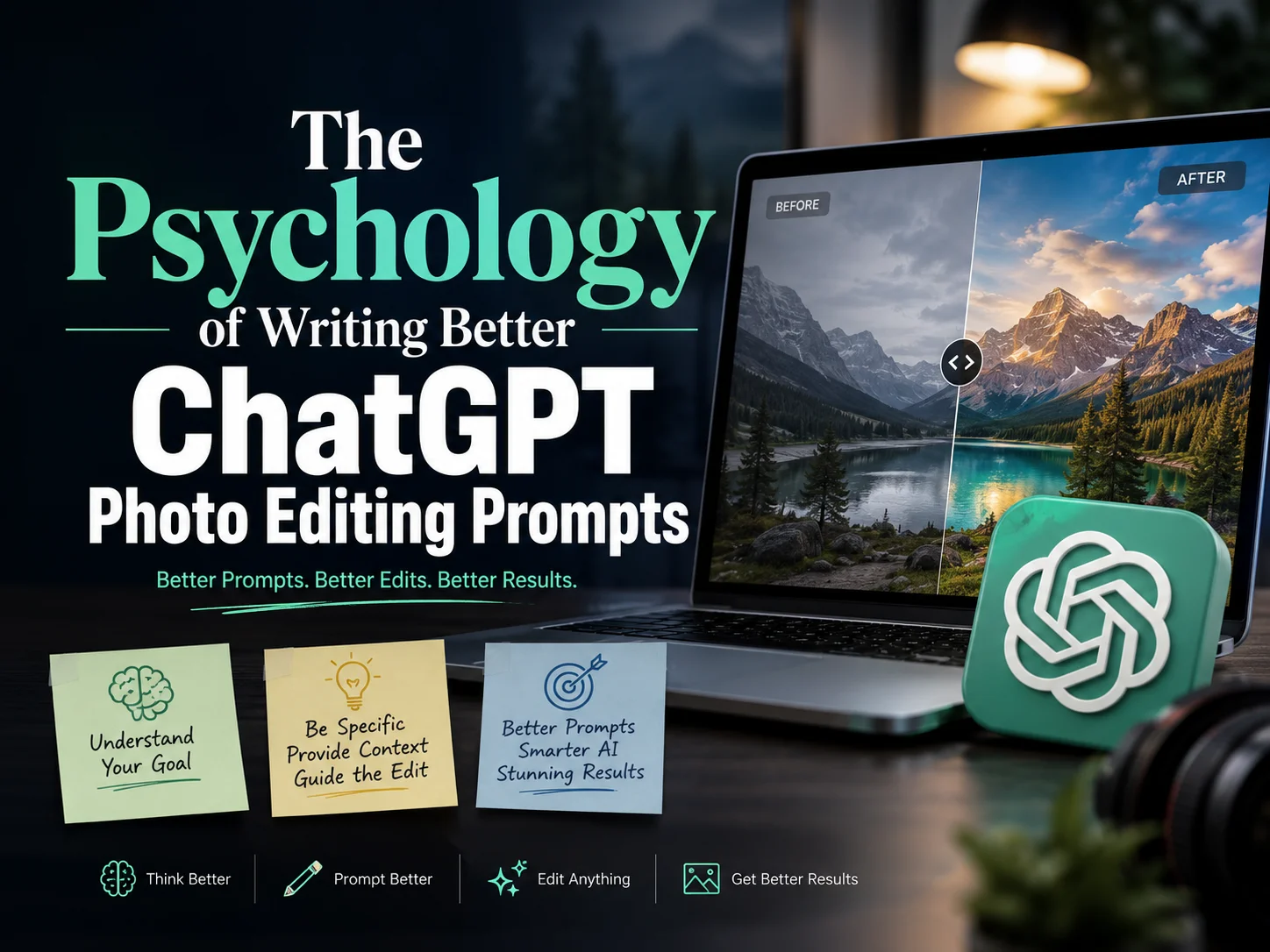
Most Tutorials Teach What to Write — Few Explain Why It Works
Most tutorials teach people what to write. Very few explain why certain prompts work while others fail.
The reality is that ChatGPT does not think like a photographer, designer, or photo editor. It interprets instructions through patterns. The quality of the result depends on how clearly you communicate your visual intent.
Understanding the psychology behind ChatGPT Photo Editing Prompts can dramatically improve your edits without requiring longer or more complicated instructions.
This guide explains the mental models that professional creators use when writing photo editing requests and includes practical examples you can apply immediately.
Why Most ChatGPT Photo Editing Prompts Fail
Consider these two requests:
Weak Prompt
- Make this photo look better.
Strong Prompt
- Improve the portrait by increasing subject clarity, softening the background distractions, adding warm golden-hour lighting, and maintaining natural skin texture.
Both prompts have the same goal, but only one gives ChatGPT enough information to understand what "better" means.
The first prompt forces the AI to guess.
The second prompt provides a clear visual objective.
The biggest psychological mistake people make is assuming that AI understands personal preferences.
It doesn't.
The AI only understands the information you provide.
The Psychology of Visual Thinking
Before writing any prompt, ask yourself:
- What am I actually trying to improve?
Most edits fall into five psychological categories:
- Attention
- Emotion
- Realism
- Storytelling
- Aesthetics
Let's examine each one.
1. Attention: Directing the Viewer's Eye
Human brains naturally focus on:
- Faces
- Bright areas
- High contrast
- Sharp details
- Unusual objects
When writing ChatGPT Photo Editing Prompts, specify exactly where attention should go.
Poor Example
- Make the image more professional.
Better Example
- Increase visual focus on the subject by reducing background clutter, improving sharpness around the face, and slightly darkening distracting elements.
The AI now understands where the viewer's attention should be directed.
2. Emotion: Every Edit Changes Feeling
Colors, lighting, and composition create emotional responses.
Warm Colors Communicate
- Comfort
- Happiness
- Energy
- Optimism
Cool Colors Communicate
- Calmness
- Mystery
- Sophistication
- Distance
Example
Instead of:
- Make it cinematic.
Try:
- Create a cinematic mood using warm sunset lighting, deeper shadows, subtle contrast, and a dramatic atmosphere.
The second request defines emotion instead of relying on a vague style label.
3. Realism: The Secret Behind Professional AI Edits
One reason AI-generated edits often look fake is that users focus only on appearance.
Professional editors focus on consistency.
People subconsciously notice:
- Light direction
- Shadows
- Reflections
- Perspective
- Depth
Generic Prompt
- Replace the background with a beach.
Psychology-Based Prompt
- Replace the background with a beach while matching the existing light direction, maintaining realistic shadows, and preserving natural depth between the subject and background.
This prompt respects how humans naturally perceive reality.
The Three-Brain Framework for Better Prompts
A useful framework is thinking about three different "brains."
Brain #1: The Observer
This brain notices details.
Ask yourself:
- What is distracting?
- What feels out of place?
- What draws attention?
Brain #2: The Storyteller
This brain understands narrative.
Ask:
- What story should this image tell?
- What should viewers remember?
Example
Instead of:
- Make this travel photo better.
Use:
- Emphasize the sense of adventure by enhancing environmental depth, improving landscape details, and creating a dramatic sky.
Brain #3: The Photographer
This brain thinks technically.
Focus on:
- Lighting
- Depth
- Colors
- Perspective
- Sharpness
The strongest ChatGPT Photo Editing Prompts combine all three perspectives.
The 4-Part Psychology Formula
Many successful creators naturally follow this structure.
Step 1: Define the Subject
What matters most?
Example:
- The primary focus should remain the person in the foreground.
Step 2: Define the Objective
What should improve?
Example:
- Improve clarity and visual impact.
Step 3: Define Emotional Direction
What should viewers feel?
Example:
- Create a luxurious and sophisticated atmosphere.
Step 4: Define Realism Rules
What must stay believable?
Example:
- Maintain realistic lighting, shadows, skin texture, and proportions.
Complete Example
- Keep the person as the primary focus. Improve clarity and visual impact. Create a luxurious and sophisticated atmosphere using warm cinematic lighting and refined color grading. Maintain realistic skin texture, natural shadows, and accurate environmental lighting.
Notice that no specific editing command is required.
The prompt is focused on psychology rather than mechanics.
Why Short Prompts Sometimes Beat Long Prompts
Many creators assume longer prompts always produce better results.
Not always.
The human brain remembers priorities, not endless details.
AI behaves similarly.
Overloaded Prompt
- Increase brightness, decrease brightness in some locations, make it cinematic, modern, realistic, vintage, luxurious, colorful, muted, dramatic, ultra-HD, sharp, artistic...
These instructions conflict.
Focused Prompt
- Create a premium luxury portrait with warm lighting, clean background separation, realistic skin texture, and subtle cinematic color grading.
The objective is clear.
Clarity beats complexity.
How a ChatGPT Prompts Generator Should Actually Be Used
Many creators use a ChatGPT Prompts Generator incorrectly.
They generate prompts before analyzing the image.
A smarter workflow is:
1. Analyze First
Ask:
- What is wrong with the image?
- What is distracting?
- What should remain unchanged?
2. Generate Second
- Build instructions around your analysis.
3. Edit Third
- Refine based on the results.
The best prompt is rarely the first prompt.
Professional editing is usually an iterative process.
Real Example: Transforming a Weak Prompt
Original Prompt
- Make this selfie look amazing.
Problems
- No objective
- No emotional direction
- No realism instructions
Improved Version
- Improve the selfie by enhancing facial detail, reducing background distractions, creating soft natural lighting, and maintaining realistic skin texture.
Better.
Professional Version
- Keep the person as the visual focal point. Improve facial clarity and depth while preserving natural skin texture. Use soft golden-hour lighting, subtle background blur, and balanced color grading to create a polished yet realistic portrait.
This prompt tells ChatGPT:
- What matters
- What to improve
- What feeling to create
- What must remain realistic
Key Takeaways
The best ChatGPT Photo Editing Prompts are not about complex wording.
They are about understanding human perception.
Before writing any prompt, always ask:
- Where should attention go?
- What emotion should the image create?
- What story should the image tell?
- What realism must be preserved?
When you answer these four questions first, writing better prompts becomes almost automatic.
Frequently Asked Questions
What are ChatGPT Photo Editing Prompts?
ChatGPT Photo Editing Prompts are instructions used to tell ChatGPT how an image should be modified, enhanced, or transformed. Effective prompts clearly define the subject, editing goal, emotional tone, and realism requirements.
How do I write better ChatGPT Photo Prompts?
Focus on psychology rather than commands. Tell ChatGPT: What viewers should notice? What emotion the image should create? What story should be communicated? What visual elements must remain realistic?
Why do my ChatGPT photo edits look fake?
Common causes include: Lighting inconsistencies, Unrealistic shadows, Excessive smoothing, Background mismatch and Over-editing. Always include realism instructions in your prompt.
Should ChatGPT Photo Editing Prompts be long or short?
Short, focused prompts often outperform long prompts with conflicting instructions. Prioritize clarity over volume.
Can a ChatGPT Prompts Generator create better prompts automatically?
A ChatGPT Prompts Generator can help structure ideas, but the best results come from analyzing the image first and defining clear visual objectives before generating prompts.
What is the most important element in a photo editing prompt?
The most important element is intent. If ChatGPT understands what you want viewers to notice, feel, and remember, it can make more intelligent editing decisions.